
Mobile app for personal trainers — must-have features
Clients want their workout plan on their phone, not a PDF. Trainers work in the field, not at a desk. 8 features your app can't be without in 2026.
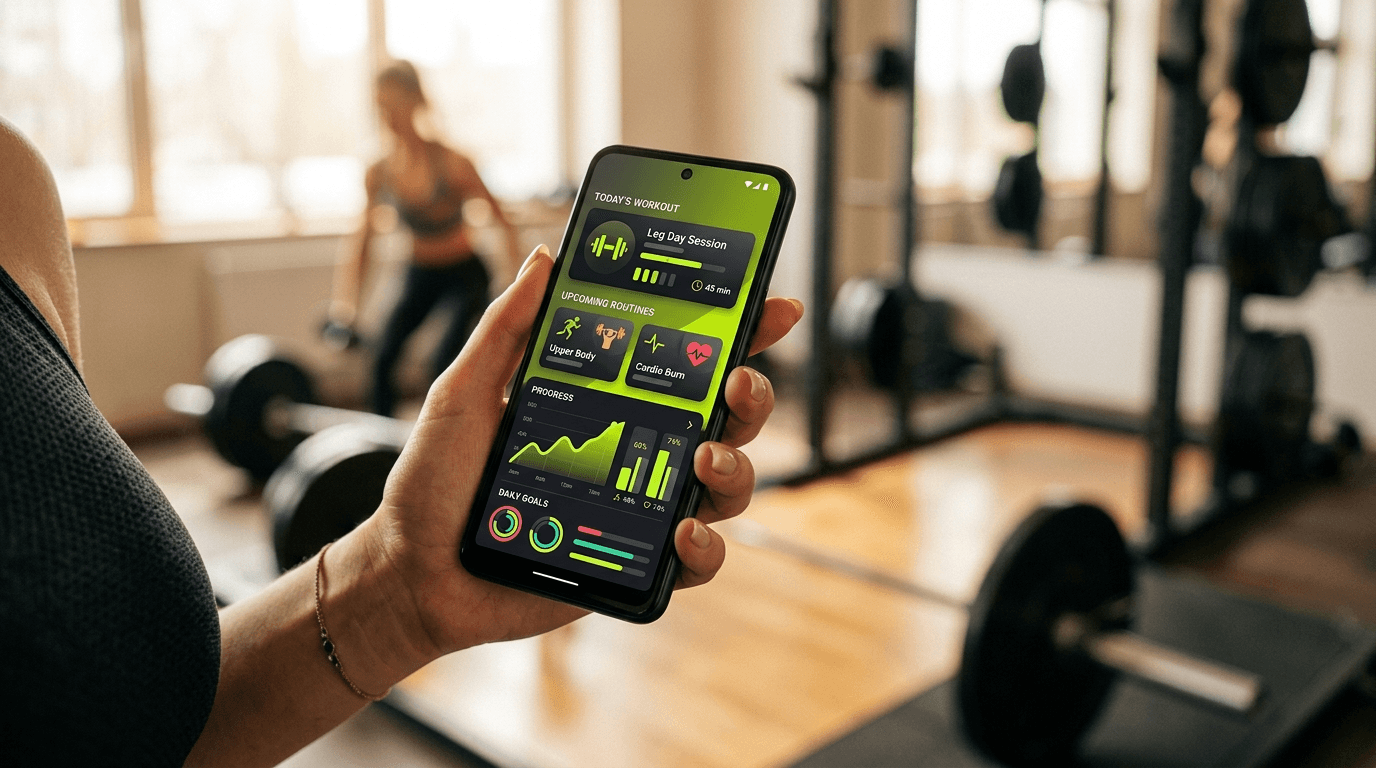
A trainer doesn't sit at a desk. They're at the gym, in a studio, at a client's home, in transit between sessions. Clients don't sit at desks either — they check workout plans on their phone, on the way to the gym. If your tool has no mobile app, you use it once a day instead of 20 times. Here are 8 features the app can't be without.
1. Self-booking for clients — from the phone
70% of bookings in 2026 happen on phones. A client waits in a grocery line, scrolls, taps "book", picks a slot, pays by card — all in 30 seconds.
What to verify:
- Client app (iOS + Android) with native booking flow
- One-tap payment (Apple Pay / Google Pay / saved card)
- No re-login per booking (remembers client after first)
A responsive mobile site works, but a native app converts 2× better.
2. Push notifications — for both sides
For the client:
- 24h before session: "Your training tomorrow at 6pm. Get ready!"
- 2h before: optional reminder
- Successful payment / package expiring soon: alert
- Trainer sent a workout plan: notification
For the trainer:
- New booking: notification
- Client cancelled: notification with action time
- New payment: notification
- Client absent 14 days: "check in with them" alert
Without push, clients forget = no-show. With push, they remember = -50% no-shows.
3. Workout plans in the app (not PDF)
PDFs by email are a 2015 standard. In 2026 clients want:
- Plan for the week clear and readable on phone
- Ability to check off exercises ("done 3×10")
- Video demo for each exercise (15 seconds)
- Note "today felt heavy, knee bothered me" — you see it before the next session
A workout-plan app is a retention game-changer. Clients use the plan daily, not monthly in a PDF.
4. Chat / messaging with clients
Client has a question about an exercise. WhatsApp:
- Messages you
- You reply 4 hours later
- They don't remember what they asked, scroll history
- Three other clients message simultaneously
Chat in the app (per client):
- Thread per client, history separate
- Push notifications for both
- Send video / photo (exercise form)
- Read receipts — no "did it arrive?" follow-ups
5. iOS / Android widget — upcoming trainings
In iOS 18 and Android 14, widgets are standard. A trainer needs a widget:
- "Next session: Anna K., 6pm, Gym A" — without opening the app
- One tap → client details, contact, training history
Clients also get a widget: "Your training tomorrow at 6pm" — reminder on home screen.
6. Offline support
You're in a gym basement, no signal. Client arrives, you have an app that:
- Shows the workout plan (cached locally)
- Lets you log progress
- Syncs when back online
No offline = app unusable in 30% of real-life scenarios.
7. Client measurements and progress
Trainer needs to log quickly:
- Weight, circumferences (waist, chest, biceps)
- 1RM (max kg on squat / dead / bench)
- Session notes ("new bench PR 90kg today")
Client sees their progress in a chart. Motivation ×10.
In Excel you'd never do this daily. In an app = 30 seconds.
8. Profiles for both sides
Trainer profile (public bookable page):
- Client sees photo, bio, specialization, pricelist, reviews
- Book directly from the app
Client profile (private view for you):
- Basics (age, height, weight, BMI)
- Goals ("lose 8 lbs in 4 months", "marathon prep")
- Training history + plans
- Payments + package status
- Private notes ("very motivated, likes fast pace")
Tech choices — what it means in practice
Native vs PWA vs mobile web:
- Native (iOS Swift / Android Kotlin): best performance, widgets, push, offline, App Store presence. Expensive to maintain (2 separate codebases).
- Cross-platform (React Native / Capacitor / Flutter): 1 codebase, near-native performance, full system API access. The most common SaaS startup choice.
- PWA (Progressive Web App): site that looks like an app. No full push on iOS (Apple's limit), no widgets, no Apple Pay. Cheap but limited.
- Mobile-responsive site only: client opens in browser. Worst conversion, worst retention.
In 2026 the standard is native or cross-platform (Capacitor / React Native). PWA only as a stopgap.
Red flags when choosing
- "App is on our roadmap." Means it doesn't exist. Verify it's now in App Store / Google Play.
- App at 2.5 stars in stores. Check reviews sorted "Newest". Old reviews (2 years) tell you little.
- No client push notifications. Reminders are core to retention. Without them you lose money.
- No widget support. In 2026 standard, not luxury.
Fit.Expert on mobile
Fit.Expert has native iOS and Android apps (Capacitor) with everything on this list:
- Self-booking for clients with Apple Pay / Google Pay
- Push notifications for trainer and client (bookings, cancellations, payments, plans)
- Workout plans with video and check-off
- 1:1 and group chat
- iOS widget "upcoming trainings"
- Offline support (plans cached)
- Client profile with measurements, progress charts
- Public trainer profile
All available in App Store / Google Play. Free account to start.
What's next
The app is one of the tools. Also check: Online booking system for trainers and Excel or CRM — how to manage your client list as a trainer. If you're just starting: How to become a personal trainer.