
Online booking system for trainers — must-haves in 2026
Clients want to book a session at 10pm Sunday without your intervention. 9 features your booking system must have — plus what you don't need.
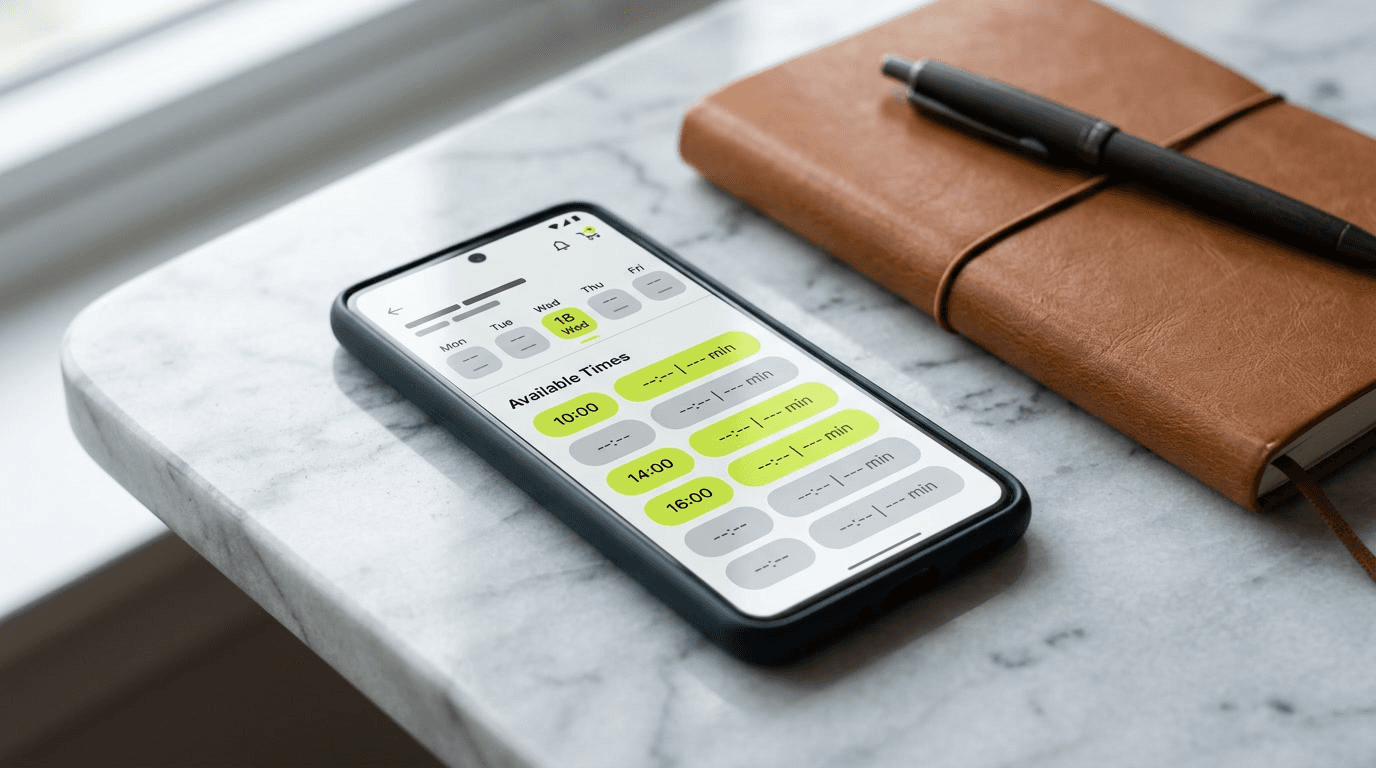
A client wants to book a session Tuesday 6pm, but it's Sunday 10pm and you're asleep. Without an online booking system, that client goes to the next trainer. Or texts you at 10pm, you reply at 8am, and they've already booked elsewhere. Here's what such a system must have in 2026 — and what you don't need.
9 must-have features
1. 24/7 self-service booking
Client opens your profile / booking link, sees available slots 2 weeks out, picks one that fits, gets email confirmation. Without your intervention. No "when are you free", no SMS exchange.
This is the game. If your system doesn't do this, it's not a booking system, just a worse Google Calendar.
2. Two-way sync with your main calendar
The slot you blocked in Google Calendar (dentist, personal stuff) must automatically be invisible in your booking. Without this: client books a slot you're not free for, you spend time explaining.
Check: does the system connect to Google Calendar / Apple Calendar / Outlook two-way. One-way (booking → calendar) isn't enough.
3. Cancellation policy in the system, not in your head
The system must support rules:
- Client can cancel up to X hours before (e.g. 24h) — no consequence
- After that deadline the session forfeits (deducted from package if applicable)
- Client sees the policy before confirming the booking
Without this: you lose 10–15% of monthly revenue to last-minute cancellations on average.
4. Online payment at booking
A client shouldn't be able to book without paying (unless they have an active package). Standard:
- Single session → card at booking
- From package → deducted from pack
- First free consult → no payment, but SMS confirmation required
Without online payment, you chase money via bank transfer for a week. With it → zero chasing. More on this in Online payments for trainers — Stripe, Tpay, PayU comparison.
5. Packages integrated with booking
Client buys a 10-session pack → system creates "credit" → at each booking deducts 1 → shows balance ("4 sessions left, valid until June 15").
Without this: you track it in Excel, client asks "how many do I have left", you check, miscount, drama.
6. Buffer time between sessions
After a 6pm–7pm session you need 15 minutes for notes, water, coffee. The system must let you define a buffer (e.g. 15 minutes) that blocks bookings between slots.
Without this: client books 7pm, you just finished at 6pm, you arrive panting — or make them wait 20 minutes, bad look.
7. Push and email notifications
Notifications that must work automatically:
- Client booked → email + push to you + to the client with confirmation
- 24h before session → reminder to client (significantly reduces no-shows)
- 2h before → reminder (optional)
- Cancellation → email + push to both sides
Without this: you forget, client forgets, mutual blame.
8. Multiple service types
In real life you have:
- 60-min personal training — $80
- 60-min online session (Zoom) — $70
- 30-min nutrition consult — $40
- Workout plan (no session) — $180 (one-time)
The system must support each with different duration, price and rules (e.g. online doesn't need a buffer, in-person does).
9. Public link / profile
Clients shouldn't have to download your app to book. You need a public URL (e.g. fit.expert/your-name) where the client can see the calendar and click immediately.
Plus that URL must be SEO-friendly — meta tags, OG image, JSON-LD Person schema. Otherwise it won't index on Google and your local SEO effort is wasted.
What you DON'T need
Marketing pushes features you won't use in the first 2 years:
- AI workout plan generator — in 2026 this is a gimmick. You build plans for specific clients; generators give generic plans clients ignore.
- Built-in supplement / affiliate store. Conflict of interest (client feels sold, not trained). Stick to basics.
- Live session streaming. Clients don't record sessions with each other — that's a COVID-era myth. Focus on in-person + Zoom for remote.
- Built-in library of 10 000 exercises. Sounds nice, you use 50 in practice.
- Integrations with 200 platforms. You need Google Calendar + Stripe. The rest is noise.
Realistic market options 2026
| Tool | Price/m | For whom |
|---|---|---|
| Calendly + Stripe + Excel | $0–25 | Trainer with 1–5 clients, OK to start |
| Acuity Scheduling | $16–30 | Solo trainer, good for 5–20 clients |
| Fit.Expert | free* | Trainer / studio with 5–60 clients, all-in-one |
| Trainerize | $50+ | Fitness-pro trainer with 30+ remote clients |
| MindBody | $129+ | Larger studios with multiple staff |
*Fit.Expert is free — no subscription, no upfront cost. You only pay a 1% fee on online payments, meaning when a client books and pays you through the app. No online payments → you pay nothing.
Red flags when choosing
- No online payment or PayPal-only. PayPal in 2026 holds ~5% of global online payments. Cards + Apple Pay + Google Pay = standard.
- No mobile responsiveness. 70% of bookings happen on phone. If the system looks good only on desktop, clients drop off.
- No localization for your market. If your clients see English where they expect their language, conversion drops 30%.
- No demo / free tier. If you have to pay day 1 to see how it looks — red flag. Fit.Expert has a free account, you check before deciding.
What's next
After choosing a system, check Online payments for trainers — Stripe, Tpay, PayU comparison. Plus Online trainer profile — do you need your own website? — because a booking system without a public link is useless.